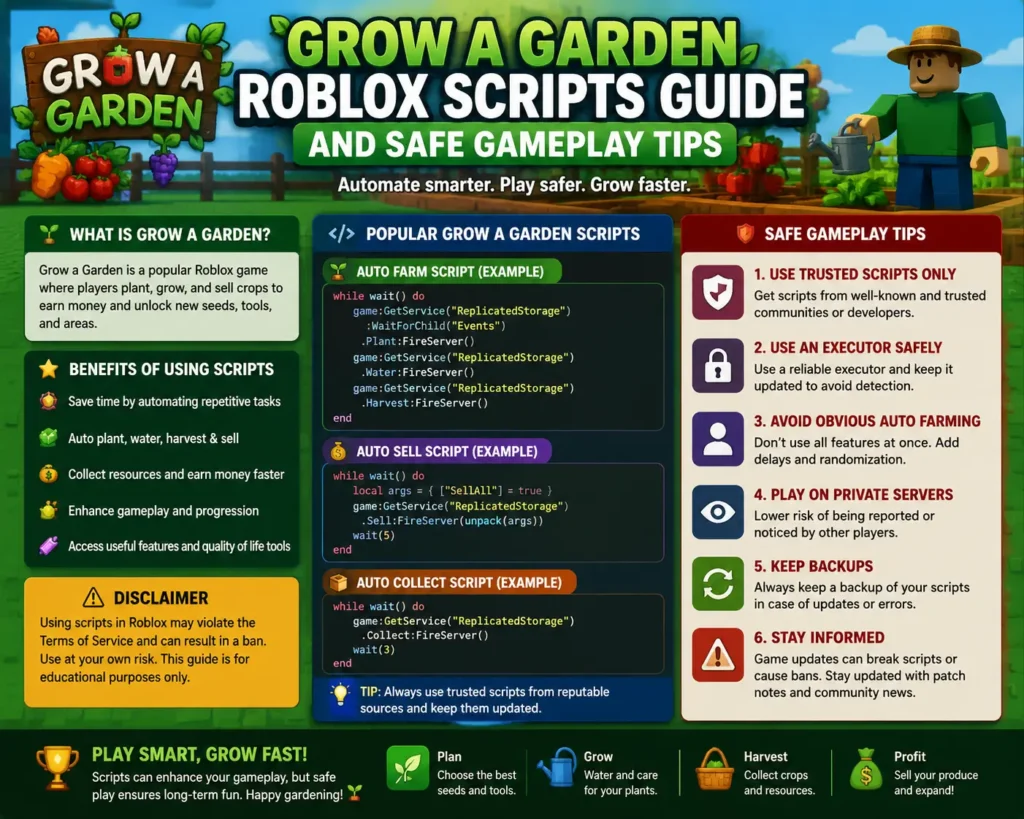
Blox Fruits is one of the biggest anime-inspired fighting games on Roblox, and its grind is famous: hundreds of levels per sea, mastery to raise on every fruit and sword, and bosses that take real time to beat. That is exactly why so many players end up searching for a blox fruit script — a Lua tool that runs through an executor and automates the repetitive parts of the game.
This guide explains what these scripts actually do, the features that matter, how players run them, and the risks that come with them. Nothing here is a download or a promise of a working tool; it is an honest walkthrough so you know what you are looking at before you decide anything.
What a Blox Fruit Script Actually Does
A Blox Fruits script is a piece of Lua code loaded into the game through a script executor. Once running, it opens an on-screen menu (often called a GUI or hub) with toggles for automation features. Instead of clicking through the same quest loop for hours, the player turns on options and the script handles movement, targeting, attacking, and collecting.
Scripts do not change the game itself. They automate inputs and read information the game client can already see — enemy positions, fruit spawns, your level and stats. That distinction matters, because it explains both what scripts can do (grind faster, travel instantly, show hidden information) and what they cannot do (create items from nothing or change server-side data).

Blox Fruits Script Features That Matter Most
Feature lists can run to dozens of toggles, but a handful of them do almost all the real work. When players talk about a blox fruits script, these are the features they usually mean:
- Auto farm level and quest — the script accepts the right quest for your level, travels to the island, and defeats the required enemies on a loop.
- Auto mastery — rotates through your fruit, sword, gun, or fighting style so mastery XP is spread the way you configure it.
- Auto stats — spends stat points automatically into melee, defense, sword, gun, or fruit according to your build.
- Fruit notifier and ESP — highlights spawned fruits, players, chests, and bosses through walls, sometimes with distance readouts.
- Teleports — jump between islands, quest givers, and boss arenas instead of sailing.
- Raid and boss automation — starts and completes raids or repeats boss fights for drops.
- Anti-AFK — prevents the idle kick during long farming sessions.
Everything else — sea event helpers, race awakening trials support, fruit storage automation — is a variation on these core systems.
Blox Fruit Scripts Compared: Hubs vs Single Scripts
Not every blox fruit scripts release works the same way. They fall into two broad camps, and knowing the difference helps you understand what you are reading about in forums and videos.
Script hubs are large menus that support Blox Fruits alongside other games, or pack several Blox Fruits modules into one interface. Redz Hub is one of the best-known names here; it is documented across guide sites as a keyless hub with auto farm, fruit ESP, boss teleports, and raid support, and it also carries modules for other games. Banana Hub is another frequently mentioned option — lighter, with auto farm, auto stats, and a fruit notifier, aimed at lower-end devices.
Single-game scripts are smaller files dedicated to one job, like a raid farmer or a fruit sniper. They load fast and are easy to configure, but they break more often after game updates and usually stop being maintained sooner.
In practice, most players end up with a hub because updates are handled in one place. If you would rather skip key systems entirely, our guide to running a Blox Fruits script with no key explains how keyless options differ.

Bloxfruit Script Menus: A Quick Tour of the Tabs
Open any mainstream bloxfruit script and the menu is usually organized into tabs that mirror the game itself:
- Main / Farm tab — auto farm mode (level, quest, mastery, boss), attack style, and distance settings that decide how your character hovers or stands while fighting.
- Stats tab — automatic point allocation with caps per stat.
- Travel tab — island and location teleports for all three seas.
- Raid / Dungeon tab — raid selection, auto start, and awakening helpers.
- ESP / Visuals tab — fruit, player, chest, and boss ESP with color and distance options.
- Misc tab — anti-AFK, FPS boost, server hop, and fruit buying or storing options.
Learning the menu layout once is enough, because nearly every hub copies this structure.
How to Run a Blox Fruits Script with an Executor
The general process is the same across executors, and it is worth understanding before anything else. If you are new to the concept, our explainer on what a script executor is and how it works covers the basics first.
- Install a legitimate executor from its official source only — this is the step where most malware infections happen, so the source matters more than anything else in this list.
- Open Roblox and join Blox Fruits, letting the game fully load.
- Attach or inject the executor once you are in the game world.
- Load the script through the executor’s interface.
- Configure the GUI — pick your farm mode, stats, and safety settings before turning automation on.
- Start small — test one feature at a time so you know what each toggle does.
After major Blox Fruits updates, scripts commonly break for a few days until their developers patch them. A script that errors immediately after an update is usually outdated, not fake.
Key Systems Explained: Why Some Scripts Ask for a Key
Many scripts and executors protect themselves with a key system. In general terms, the tool shows a checkpoint link, the player completes the pages it leads to, and in return gets a time-limited key that unlocks the script for a set number of hours. It is how many free tools pay their developers.
Key systems are annoying but not automatically scams — the danger is in the checkpoint pages themselves, which can push fake download buttons and bundled installers. Keyless scripts skip this entirely. Our overview of how Delta scripts and keys work explains the ecosystem in more detail.

Safety: Ban Risk, Fake Downloads, and Alt Accounts
This section is not boilerplate; it is the part that decides whether scripting costs you an account.
- Ban risk is real. Scripts violate Roblox’s Terms of Use, and Blox Fruits has active enforcement. Detection can mean a warning, a temporary ban, or permanent termination, and “undetected” marketing claims are not guarantees.
- Fake downloads are the biggest threat. Pages promising scripts often bundle stealers and token loggers. More accounts are lost to malware than to bans.
- Use an alt account. Never run scripts on an account with limited items, Robux purchases, or years of progress you would miss.
- Executors get flagged too. Antivirus software routinely flags executors; that alone does not prove one is malicious, but it means you should only ever use well-known tools from their official channels.
For background on the platform rules themselves, see Roblox’s page on Wikipedia and the official terms linked from there.
Mistakes to Avoid
- Stacking every feature at max settings. Teleporting across the map while farming at inhuman speed is the fastest way to get reported.
- Farming in busy public servers. Crowded servers mean witnesses and reports; quiet servers are both safer and faster.
- Ignoring update days. Running a stale script right after a game update causes errors and strange behavior.
- Downloading the first result. Script re-uploads with malware added are extremely common.
- Paying for “premium” scripts from strangers. Paid script scams are rampant; a price tag is not proof of quality or safety.

Frequently Asked Questions
Is a Blox Fruit script free?
Many are. Popular hubs like Redz Hub are documented as free and keyless, while others use key systems or paid tiers. Free does not mean safe, so the source you get it from still matters most.
Can I use a Blox Fruit script on mobile?
Yes, if you have a mobile executor that supports it. Several hubs advertise Android support through mobile executors; iOS options are more limited and change often.
What is the best feature for a beginner?
Auto farm level with auto quest is the standard starting point, with auto stats set to your build. Add teleports once you understand the menu.
Will I get banned for using one?
You can. Any script use breaks Roblox’s rules, and enforcement comes in waves. Using an alt account is the only way to keep your main account out of it.
Why does my script stop working after updates?
Blox Fruits updates change game internals, which breaks script functions until developers release fixes. Waiting for the updated version is normal.
Conclusion
A blox fruit script is essentially an automation layer over the game’s grind: auto farm, mastery, stats, teleports, ESP, and raid helpers, all controlled from one menu. Hubs like Redz Hub and Banana Hub show the two ends of the spectrum — full-featured versus lightweight. Whichever style you research, treat safety as part of the setup: official sources only, an alt account, and no illusions about ban risk. That combination gets you the convenience players want without the losses that catch most beginners.